Editor/Recorder
Record a sound and place it in space
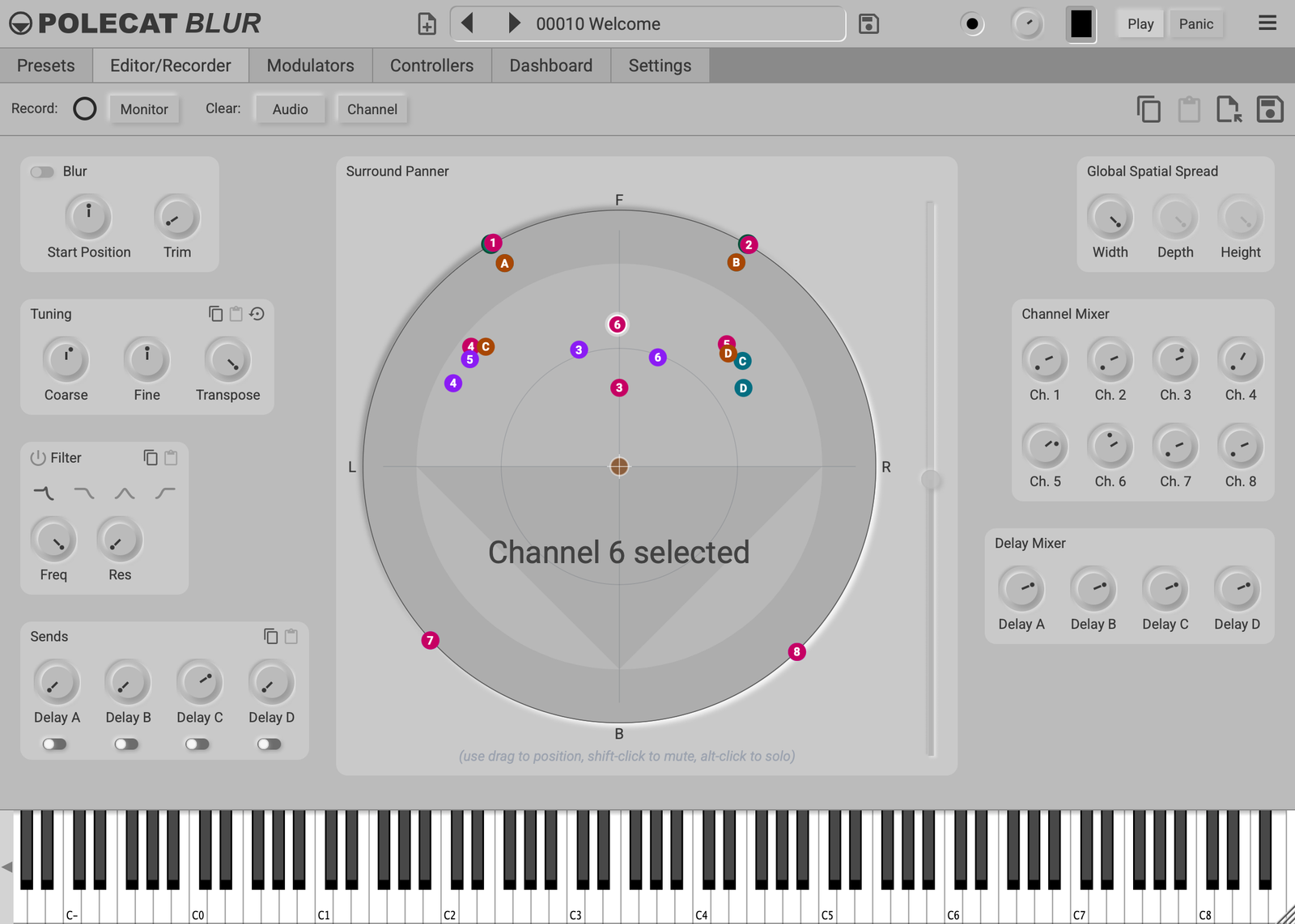
Polecat Blur has eight channels, each holding a sound recorded live or imported from an audio file. Before recording, choose Blur for a sustained, evolving texture, or Impact to keep a short one-shot attack, which plays from its Start Position to the end of the take. Select a channel to tune it, filter it with one of four filter types, and send it to the delays from before or after its filter. Hover over a send's switch to see which it is. The toolbar below the tabs acts on the selected channel: Record, Monitor, Copy, Paste, Load / Import and Save. Clear: Audio removes its recording and keeps its settings; Clear: Channel resets it completely.
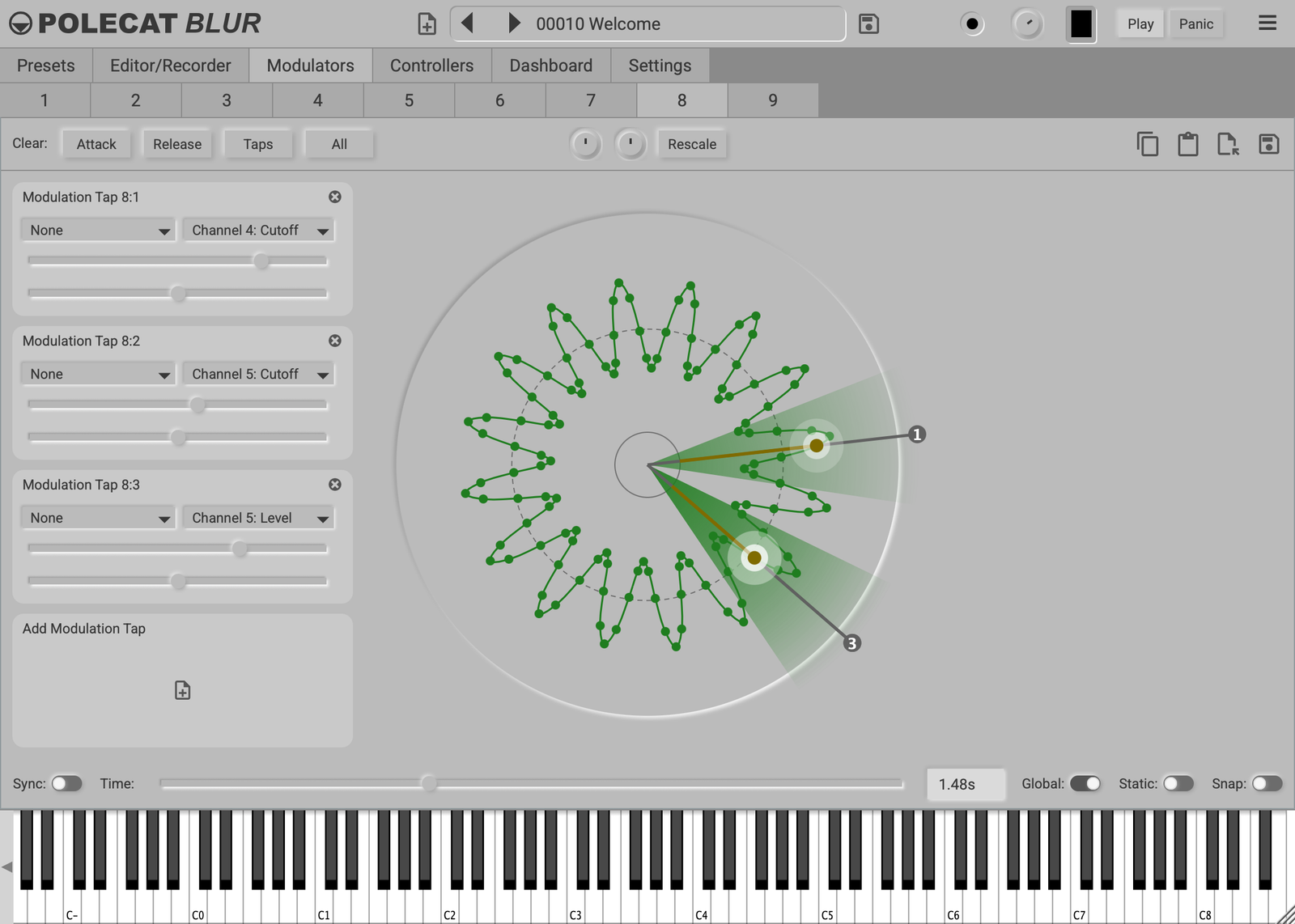
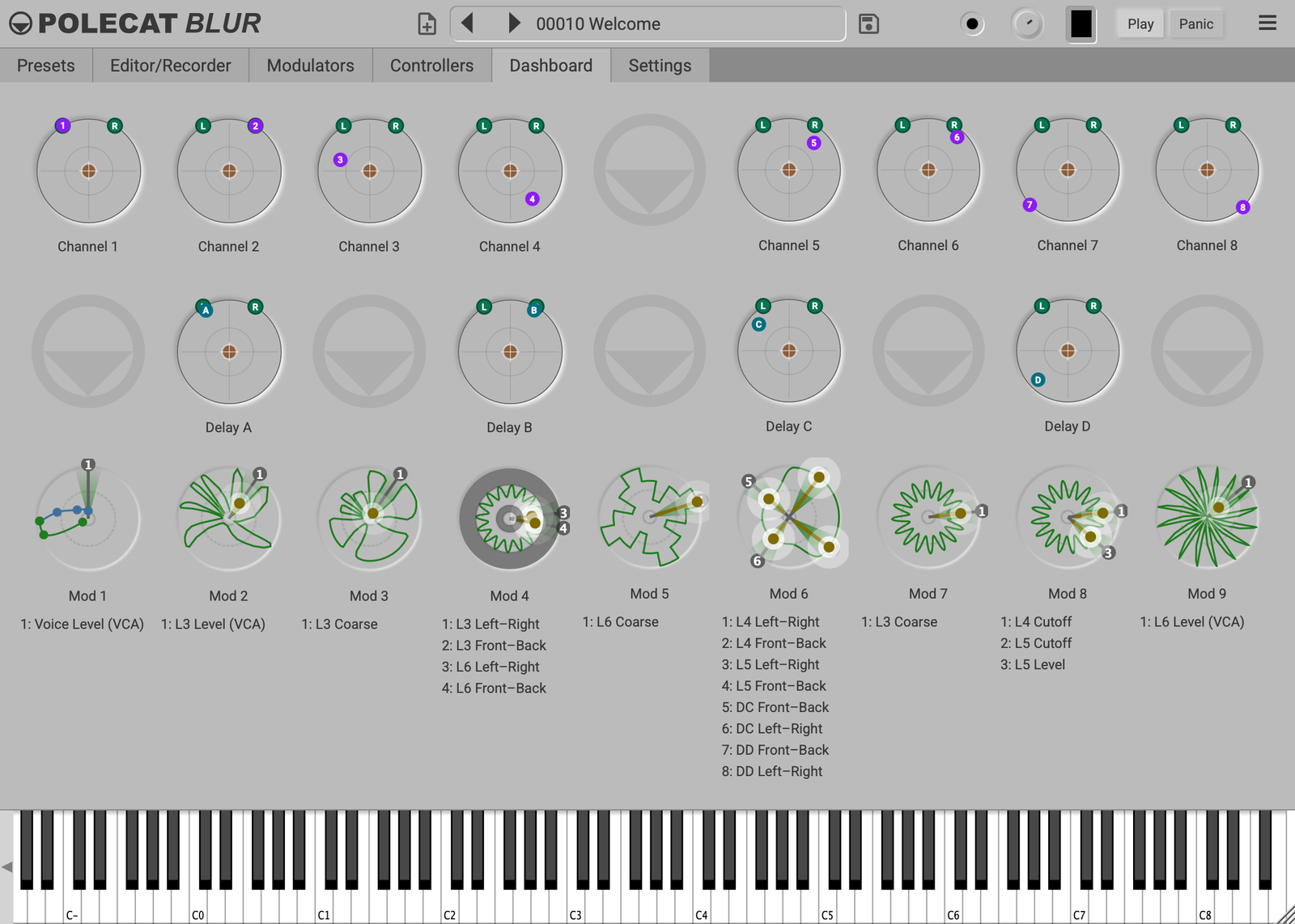
The Surround Panner shows every channel and delay, and the speakers you play through: stereo, surround or with height speakers. Drag a dot to place a sound. With height speakers, the Height slider beside the panner sets how high it sits. With Poly Panning on in Settings, each note takes its own place, following its own velocity, key, Poly Pressure, modulators with Global off and MPE expression. The four delays sit in the same space, with times that can lock to the beat. Send a delay into itself for repeating echoes, or send two delays into each other so the echoes bounce between them. Global Spatial Spread sets the width and depth of the whole sound field, and its height with height speakers.
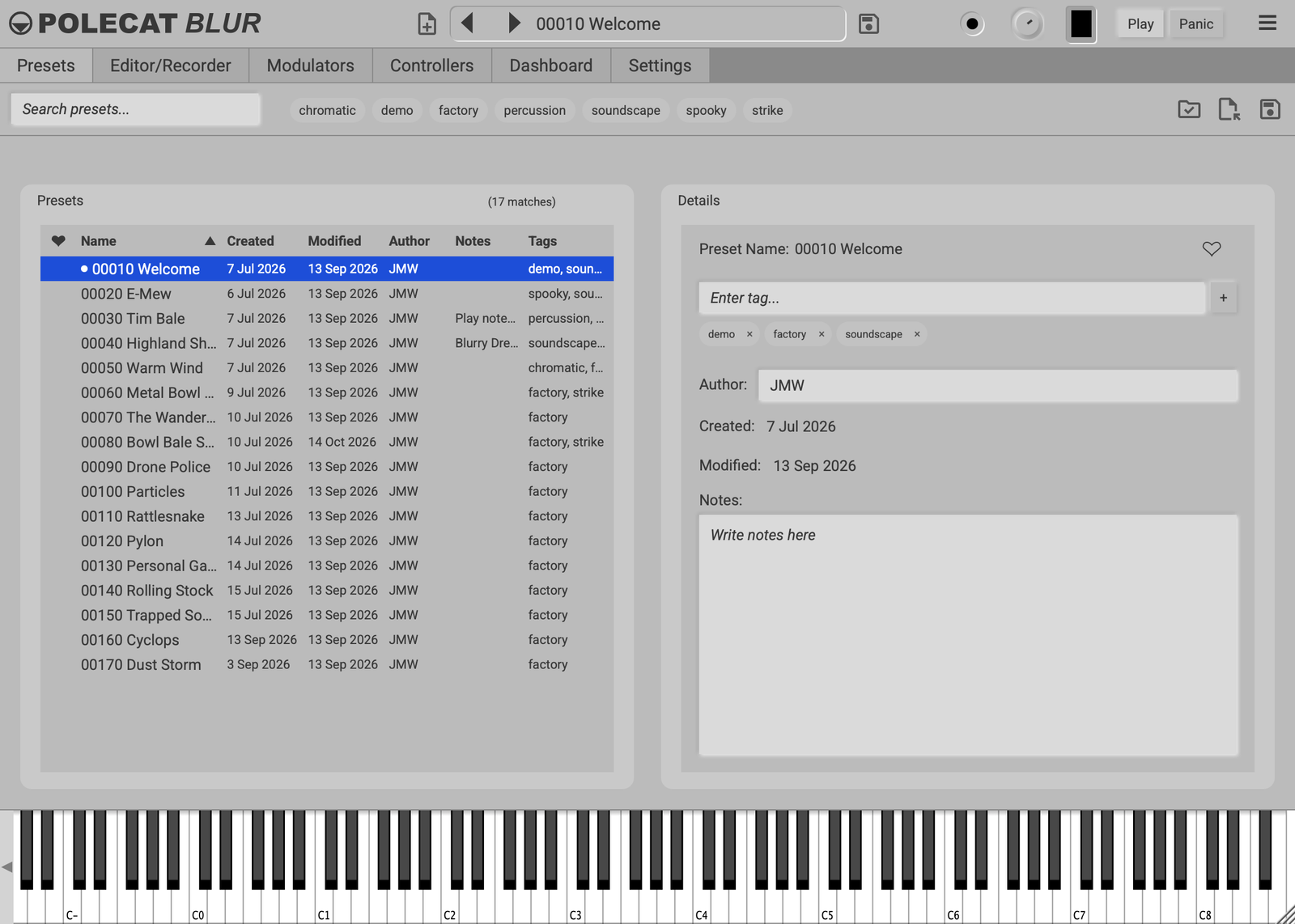
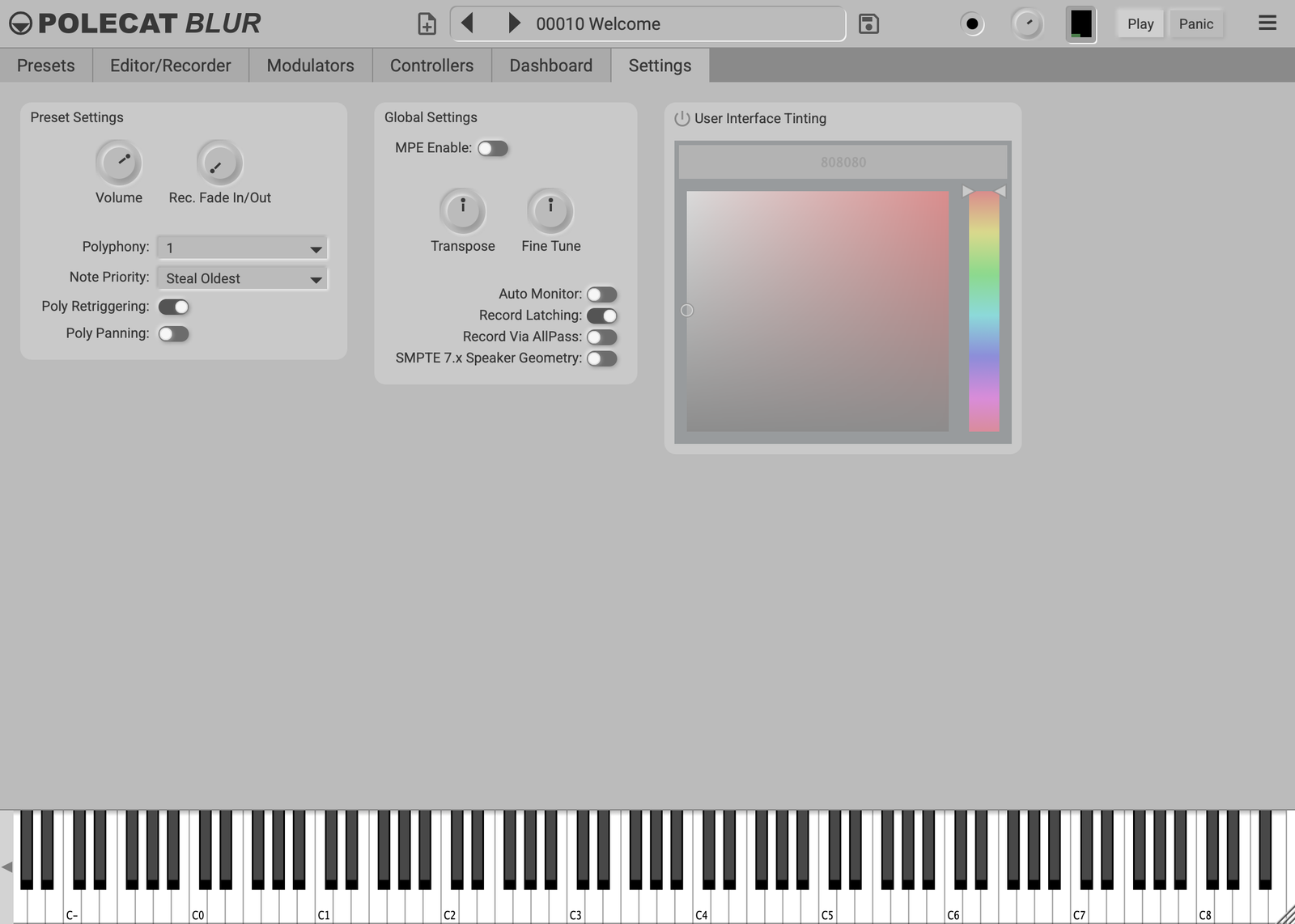
The toolbar above the tabs appears on every tab. It shows the preset's name, with arrows to step through others, and has New, Save, volume, Play and Panic. Panic silences everything at once, without a click. Its three-line menu offers six interface themes, and MIDI Keyboard shows or hides the on-screen keyboard along the bottom of the window.